
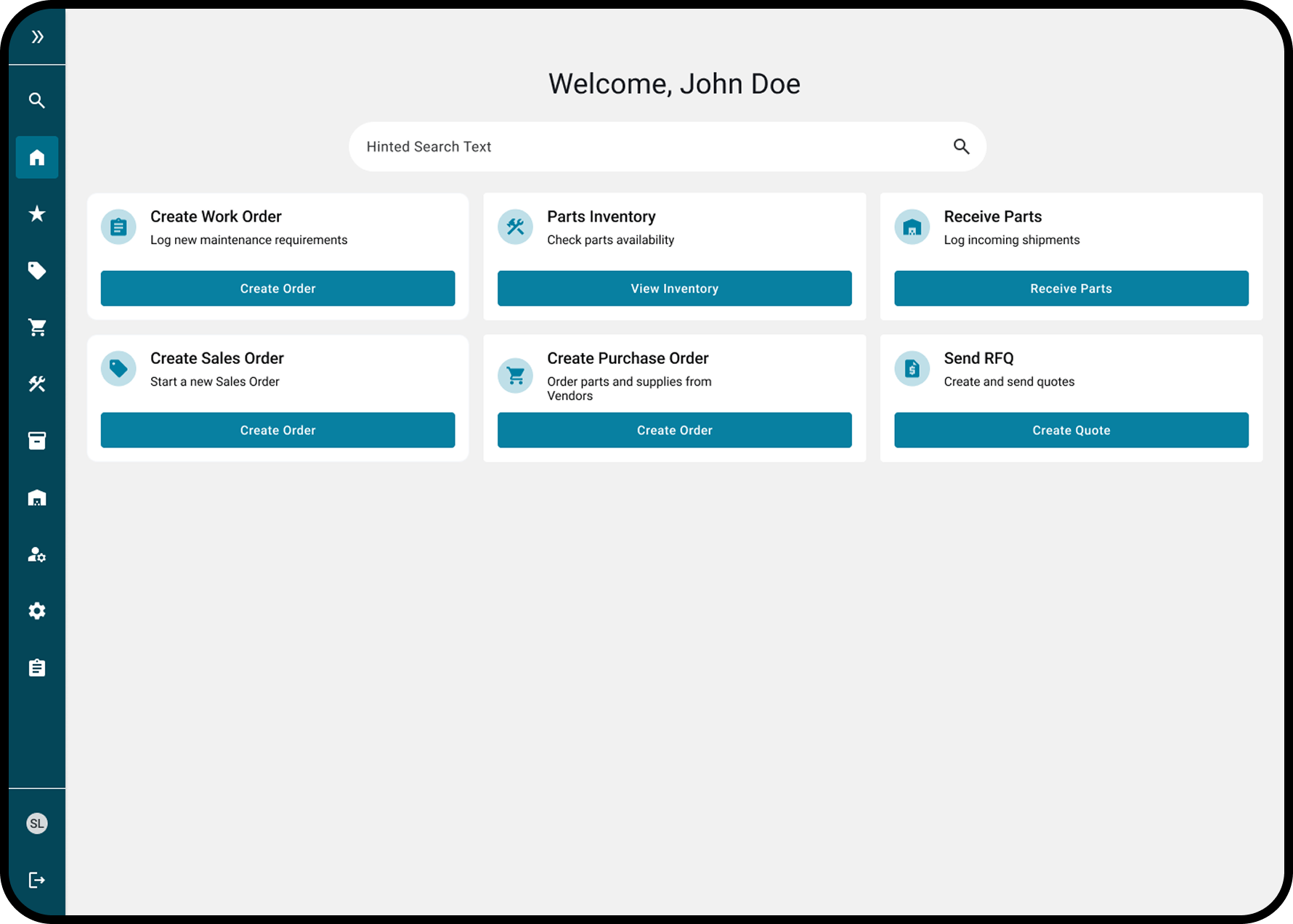
CAMP Systems UX Team
ERP Home Dashboard
Creating the home page for Aviate - an Aviation Maintenance ERP System
Creating the Dashboard
How can we quickly create a home page for first release that allows users to quickly access their workflows?
Role:
UX Designer
Team:
CAMP Systems UX team
Tools:
Figma, loveable, dribble
Project Description:
As part of first release of the Aviate ERP system we needed to create a Home page for when the users logged in. The goal was to have an easy access to the user’s workflow and a global search.
Discovery
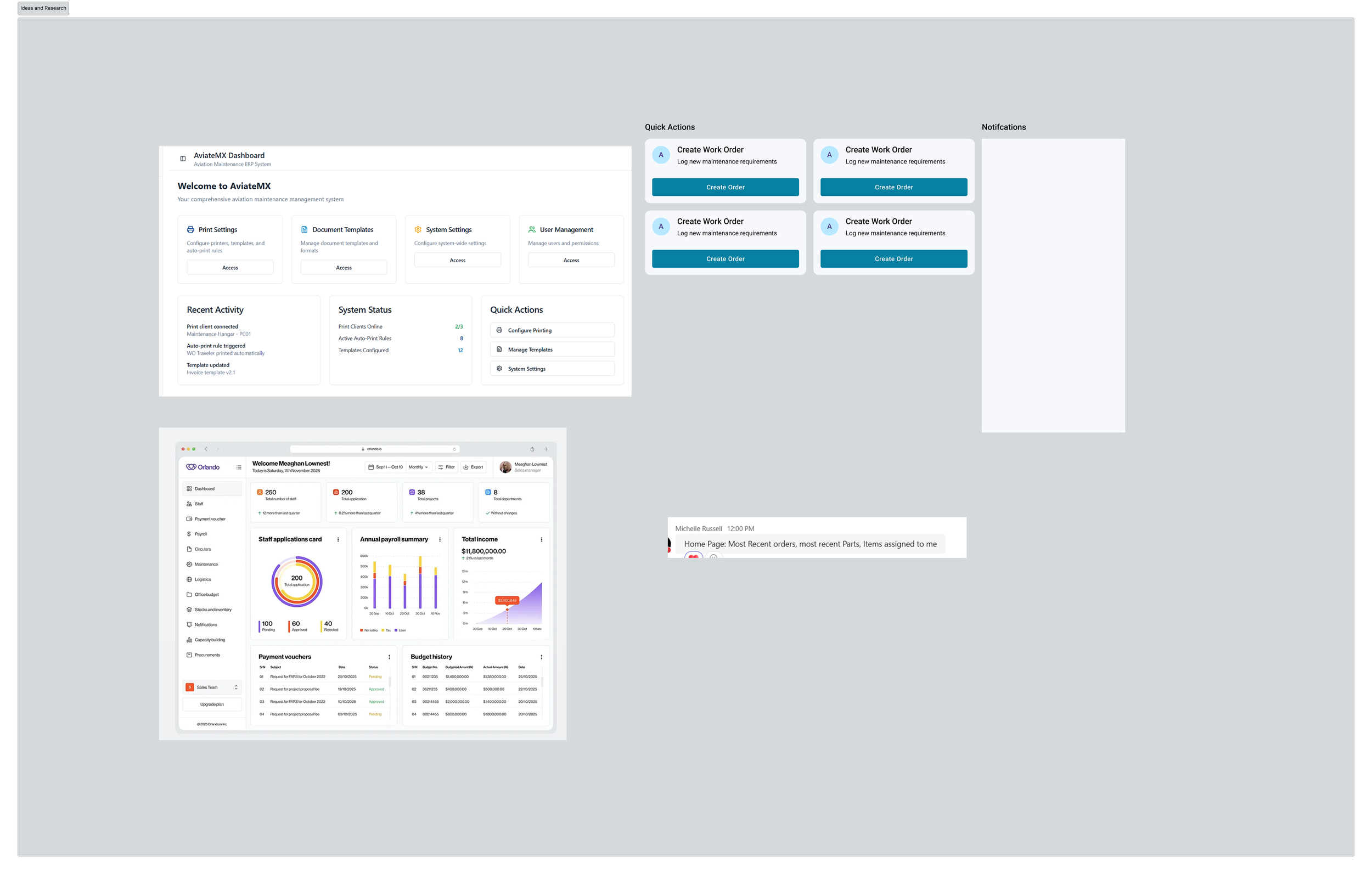
Audit & Research
Research existing EPR Dashboards and home pages.
Leverage AI to come up with a quick iteration of what could be possible.
Sketch out ideas and present them to the stakeholders.
Design
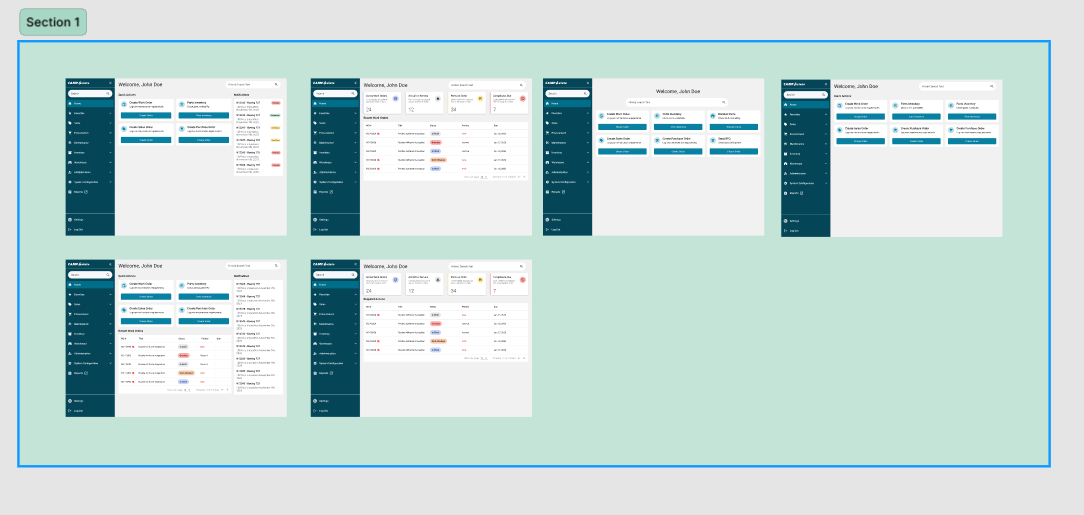
Iterations
Using ideas from both loveable, dribble and our current patterns I created multiple different options to present to the stakeholders.
The feedback here was to keep things pretty simple as it is a first release iteration before AI and analytics are implemented.
Final Design
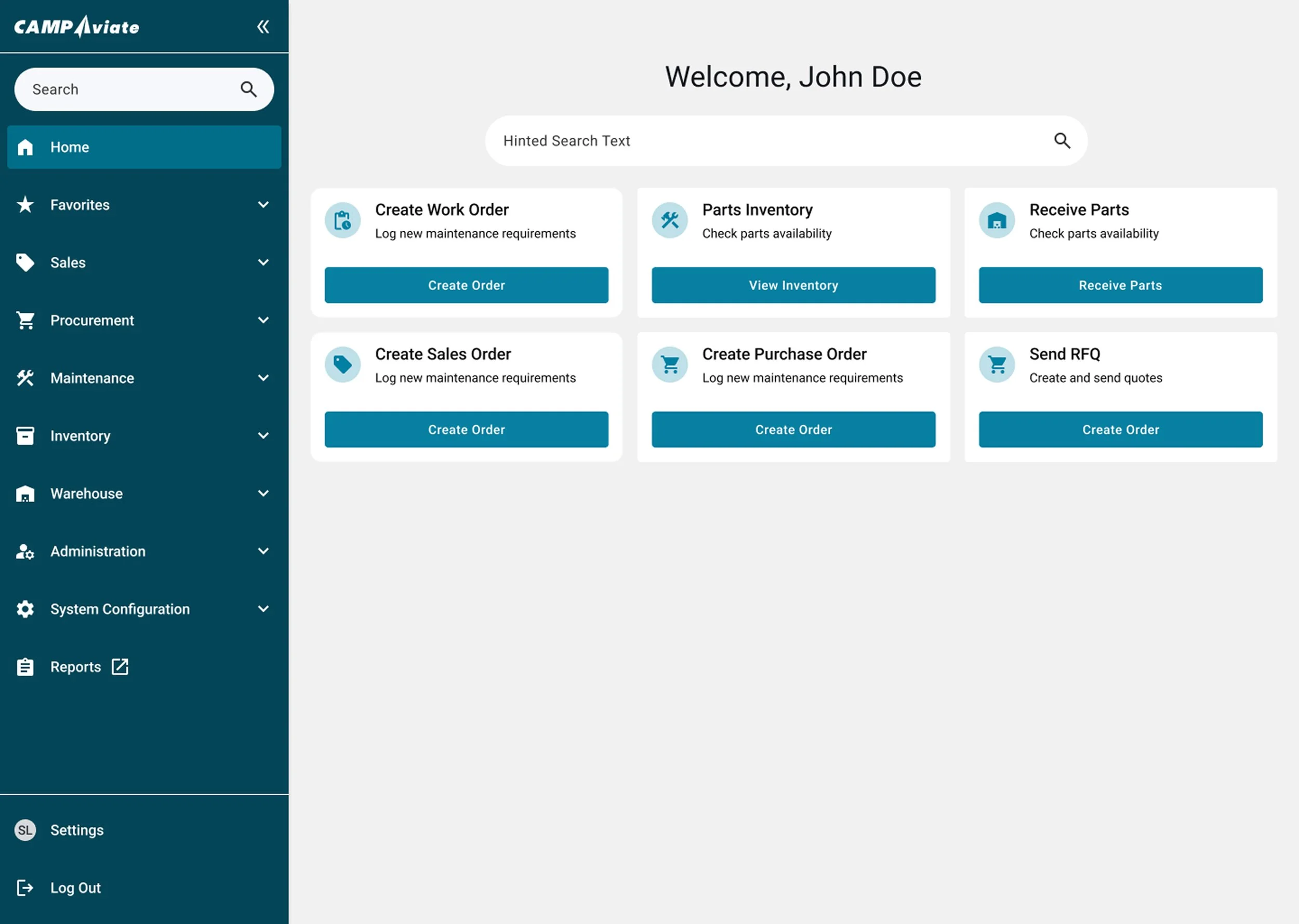
This design presents a clean, task-focused home dashboard for an aviation maintenance management system. The goal of the interface is to help maintenance teams quickly access the most common operational tasks—work orders, parts, purchasing, and inventory—while maintaining clear navigation across the broader system.